Markdown: Why Writing Your Content in This Format Changes Everything for SEO and AI
Writing your articles in Word, Google Docs, or directly in your site's back-office? There's a simple, readable format that Google and AI tools like ChatGPT love. Here's what it is, why it matters, and how to adopt it without being a developer.
If you manage a website, you've probably heard a developer or agency mention "Markdown". And it probably sounded technical. But it's actually one of the simplest tools out there, and adopting it can improve your site's search ranking and how AI tools understand your content.
Let's walk through it in clear terms, without diving into too many technicalities.
What is Markdown, in two sentences
Markdown is a way to write text using a few simple symbols that replace the "bold", "italic", "heading", and "list" buttons in Word.
Instead of clicking the B button to make a word bold, you type **word**. Instead of picking a heading from a dropdown menu, you type # My heading. That's it. The text stays readable even with no formatting applied.
A concrete example
In Word, to write this paragraph:
"Here's an important heading: why SEO matters"
You click "Heading 2" in the menu, type the text, press Enter, and Word inserts hidden formatting you don't see.
In Markdown, you simply type:
## Here's an important heading: why SEO matters
The two hash signs (##) mean "level-2 heading". The text is just as readable as plain prose, and any computer, any AI, any search engine immediately understands what you mean.
Why Google loves it
Google reads your site with a robot. That robot doesn't see the visual design — it reads the source code of the page. Two things happen when your text is written in Markdown:
1. Structure is crystal clear
With Markdown, you have a main title, subtitles, paragraphs, lists. Google's robot immediately understands the hierarchy: "here's the article title, here are the main parts, here are the details".
When you paste from Word or use a visual editor poorly, you often end up with headings that aren't really headings (just bold text), mixed-up paragraphs, lists that aren't really lists. Google then has to guess the structure, and it guesses worse.
2. No junk code
A piece of text pasted from Word usually carries dozens of hidden tags (colors, fonts, internal Word styles…). That code does nothing for the reader, but the robot still has to read it. Markdown is minimal: nothing extra, just the content and its hierarchy.
Concrete result: an article published in Markdown is on average 3 to 5 times lighter than one copy-pasted from Word, and its readability score for Google is higher.
Why AI tools love it (ChatGPT, Claude, Gemini)
Modern AI tools were trained on billions of web pages. And a large share of those pages is in Markdown or a similar format (Wikipedia, GitHub, Stack Overflow, technical blogs, product documentation). The direct consequence:
- AI tools understand Markdown natively. A
##heading is instantly recognized as a heading. A- itemlist is instantly recognized as a list. - When a user asks an AI to summarize your site, the AI does much better with Markdown-structured content than with an undifferentiated wall of text.
- When the AI cites your content (which happens more and more with AI-assisted searches like Google AI Overviews or Perplexity), it's more likely to cite well-structured content than flat prose.
This is becoming a real SEO advantage: AI-assisted searches already account for 15 to 25% of traffic in some sectors, and that share keeps growing.
Practically: how to write in Markdown without being a developer
You don't need to learn code. Three options depending on your profile:
Option 1 — A visual editor that exports to Markdown
Tools like Notion, Obsidian, HackMD, StackEdit let you write with buttons (bold, heading, list) like in Word, and they convert automatically to Markdown behind the scenes. Copy the result, paste into your site's back-office, done.
Option 2 — Learn the 8 shortcuts that cover 95% of needs
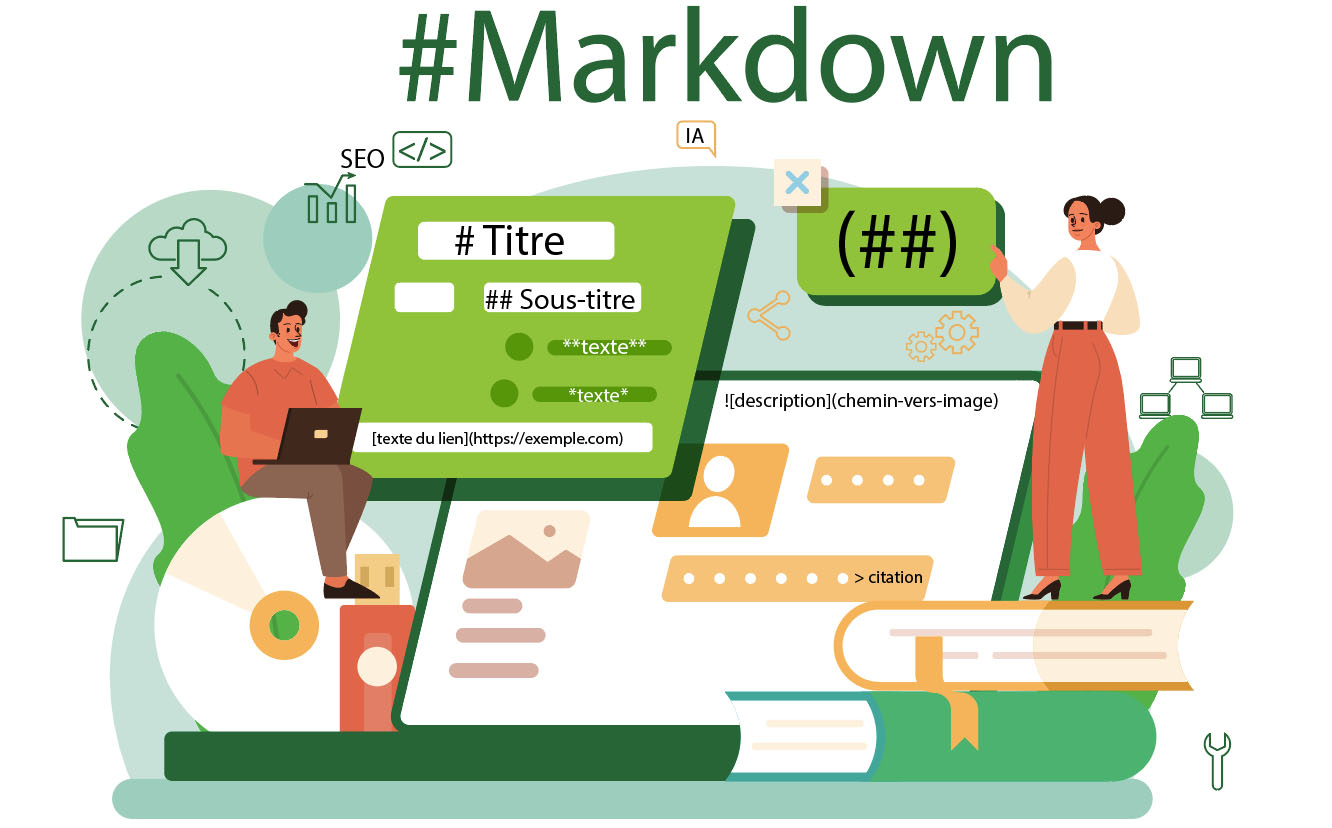
| What you want | Type |
|---|---|
| A main heading | # Heading |
| A subheading | ## Subheading |
| Bold text | **text** |
| Italic text | *text* |
| A list | - item (one per line) |
| A link | [link text](https://example.com) |
| An image |  |
| A quote | > quote |
That's all. In 10 minutes you know how to write a structured article.
Option 3 — Ask your writer or agency to deliver in Markdown
If you work with a freelancer or content agency, ask them to deliver articles as .md files instead of .docx. Most know how to do it — and if they don't, that tells you something about their level of modernization.
And on the site side: how is it integrated?
If your site is on WordPress: there are plugins (e.g. "WP Markdown") that accept Markdown directly. Imperfect but workable.
If your site is on modern tech (Next.js, Astro, Hugo, Gatsby…), Markdown is probably already the native format for articles. That's our case at RV3: all our blog posts are written in Markdown, and that's what lets us publish them in 3 languages with rock-solid SEO structure, no painful copy-paste.
The 4-point summary
- Markdown = a simple way to write text with a clear structure (headings, lists, bold, links).
- Google loves it because the hierarchy is readable and there's no junk code.
- AI tools love it because they were trained on Markdown and understand it instantly.
- You don't need to be a developer: an editor like Notion or 10 minutes of learning is enough.
Adopting Markdown for your content is a 10-minute investment for a long-term SEO and AI benefit. In a world where traffic increasingly comes from AI-generated answers, it's one more arrow in your quiver.
Talk to RV3 — we can audit your current content structure and tell you whether rewriting in Markdown would help, or whether you're already well structured.